10 November 2026
Internal linking for SEO: connect your useful pages, not just your keywords
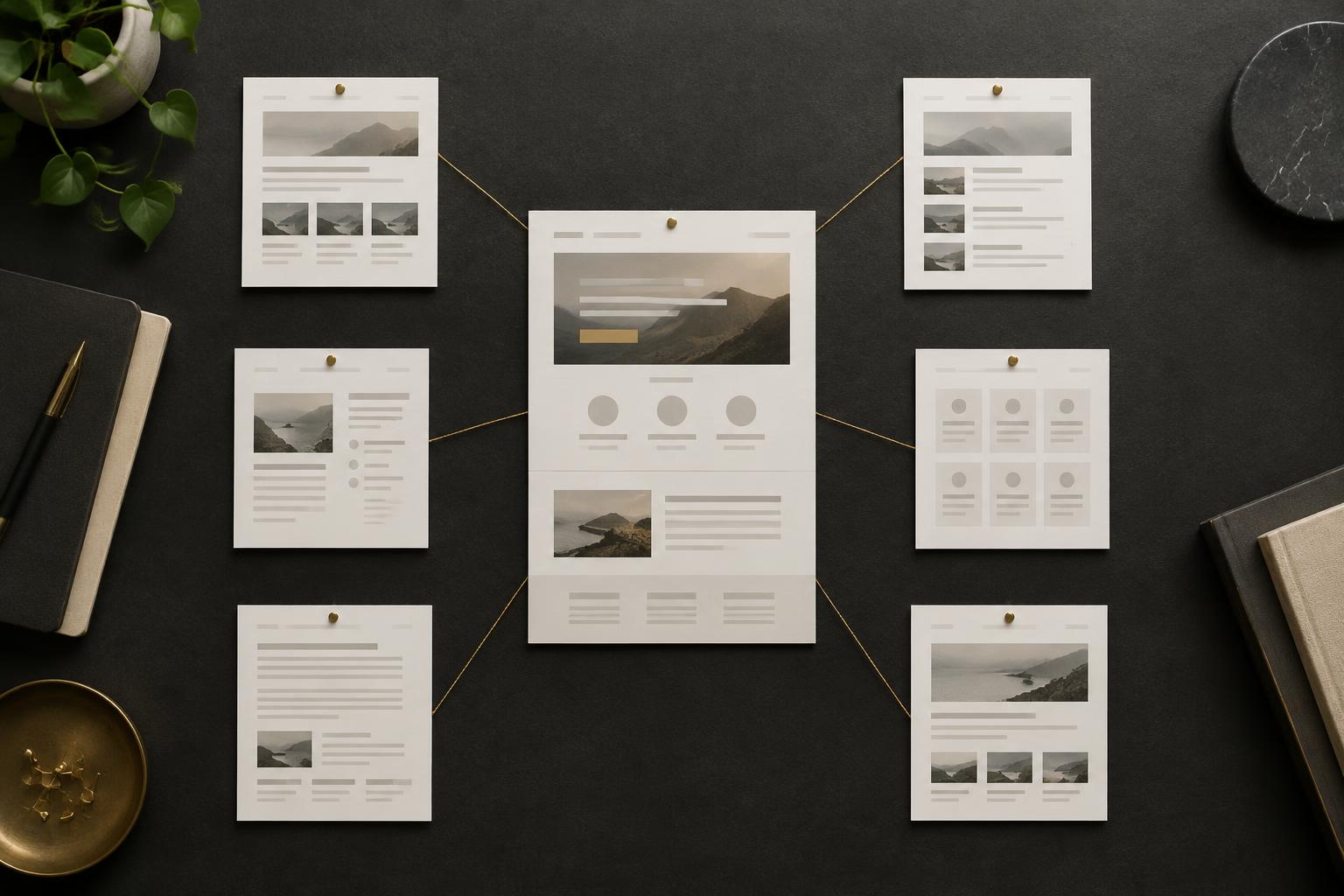
An excellent service page is not much use if visitors cannot find it. Internal linking for SEO means connecting pages on your own website so people can move between useful explanations and search engines can discover and understand those pages.
The sensible starting point is not a quota of links per paragraph. It is deciding which pages matter and where a reader would genuinely benefit from reaching them. This guide covers that decision, the checks to make and a small linking plan you can implement without rebuilding your website.
What is an internal link?
An internal link points from one page to another on the same website. Navigation menus, breadcrumbs and links inside articles can all serve this purpose. A link to somebody else's website is an external link; a link from another website to yours is a backlink.
Google says it uses links to find new pages and as a signal when assessing relevance. Its guidance recommends crawlable links and concise, descriptive anchor text. That does not mean adding a link guarantees indexing or a particular ranking.
Start with the pages that deserve attention
Choose a small group of priority destinations: the services you actually provide, useful category pages or guides answering an important customer question. Check that each destination is available, current and helpful before sending more people to it. A linking exercise cannot repair an unclear offer.
Then identify related source pages. A popular guide may be a useful place to explain the next step, but a relevant page with fewer visits can be a better match than a busy article on a different subject. Link where the connection makes sense, not simply where a tool reports the largest traffic estimate.
A practical example from this website
The SEO content brief guide explains how to plan an article. Someone using it may need help teaching that process to a team, so a link to SEO training is relevant. Someone preparing to move a website has a different need: the SEO migration checklist can lead them towards a consultancy conversation about the move.
These are examples of the site's content relationships, not claims that these links produced a measured ranking improvement. The principle is to connect the question with the next useful answer or service.
Build a linking worksheet you can finish
Use five columns: source page, destination page, reason for the link, proposed anchor text and verification status. An illustrative entry for a heating business might be: boiler-maintenance guide; annual boiler-service page; reader needs the paid service after learning the maintenance limits; ‘book an annual boiler service’; awaiting review.
That example is hypothetical, not a client result. It assumes the business offers that service and the destination explains it properly. Do not insert a commercial link that interrupts a safety explanation or implies that a homeowner should carry out work requiring a qualified professional.
- List the important destinations and confirm their final addresses.
- Find existing pages covering closely related questions.
- Read the relevant section rather than inserting a link from a keyword match alone.
- Add the link where it helps the reader's decision.
- Open it on the published page and check the destination.
Write anchor text that explains the destination
Anchor text is the clickable wording. ‘See our SEO training options’ tells the reader more than ‘click here’. It does not need to contain every keyword variation. If a natural sentence uses the service name, link that phrase rather than adding a second sentence purely to carry a keyword.
Avoid a paragraph that links ‘SEO’, ‘training’, ‘Glasgow’ and ‘business’ separately to the same page. It is harder to read and adds little useful context. Equally, do not use the same vague wording for several different destinations. A visitor should be able to predict where a link will take them.
Check that Google can follow the links
Google generally needs an HTML anchor element with an href containing a real address. A text label that only runs a script when clicked is not a reliable substitute. Your navigation can look modern while still producing ordinary links that visitors and crawlers can follow.
Point to the final relevant URL rather than an old address that redirects. Fix broken destinations and unintended redirect chains. A link to a page blocked from crawling or carrying an unwanted noindex instruction needs a different investigation; adding more links will not override those settings. Use the separate Google indexing problems guide for that diagnosis.
Look for orphan pages and weak navigation
An orphan page has no internal links pointing to it from the pages included in your crawl. Compare your crawler's discovered pages with sitemap addresses, published content records and useful landing pages from analytics or Search Console. A crawl alone cannot reveal every page it never discovered.
For each missing page, decide whether it belongs in the site. If it does, find a relevant place to link it. Do not link every old page from the footer simply to make the warning disappear. Some content should be updated, merged or removed; those are editorial decisions, not automatic responses to a tool.
How many internal links should a page have?
There is no universal ideal number. Google's link guidance explicitly says there is no magical ideal number of links. A long reference page can reasonably need more than a short service explanation. Use the links needed to support the task, then read the page to check that it is still clear.
Site-wide menus should help visitors navigate. Links within an article should support its subject. Neither should become an inventory of every page you have ever published.
Review the outcome without claiming instant wins
Record what changed and when. Check broken links, discovery of important pages and whether visitors can complete the intended journey. Review relevant search performance over comparable periods, allowing for other edits, demand changes and search updates. A later traffic increase does not prove that internal links alone caused it.
If your service pages feel buried, ask Craig for SEO advice with your website and the pages you want customers to find. A short, prioritised linking plan is often more useful than adding another batch of loosely connected articles.