12 November 2026
Conversion rate optimisation: turn website visitors into useful enquiries
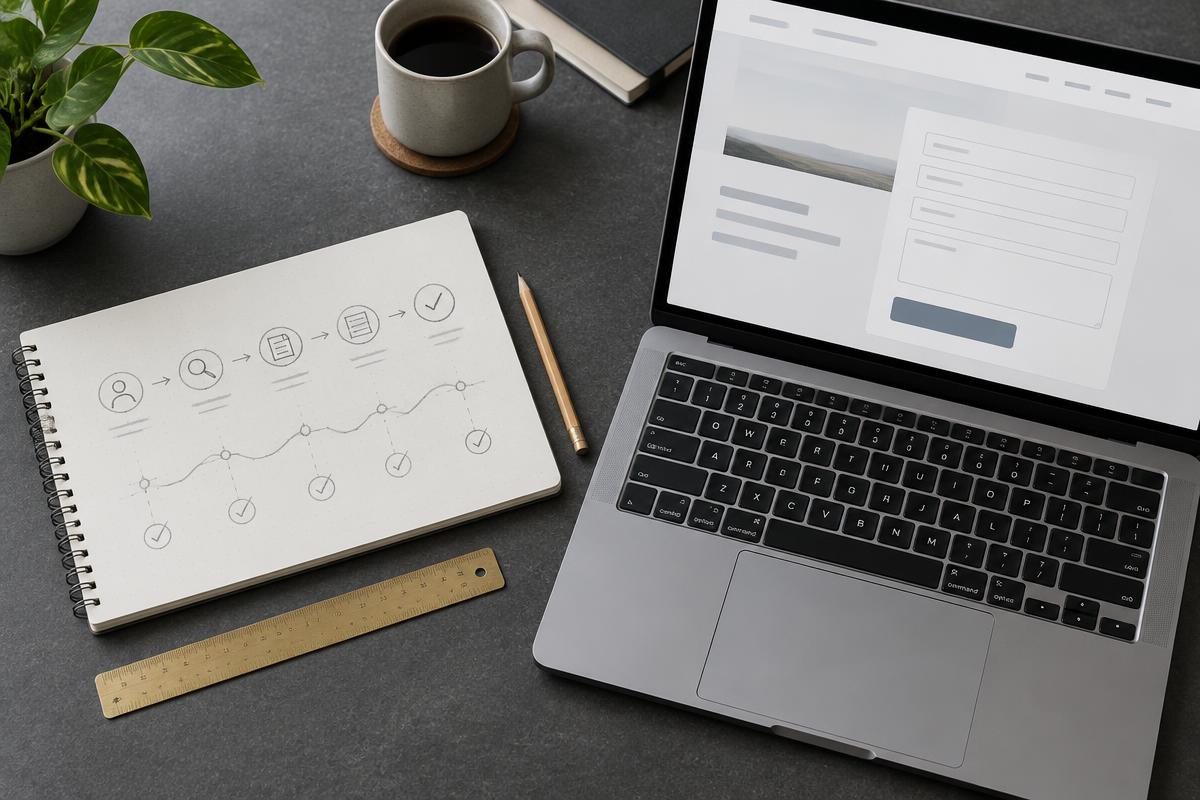
Conversion rate optimisation (CRO) means improving the proportion of visitors who complete a useful action on your website. For a consultancy, that might be a suitable enquiry. For a shop, it might be a completed order. It is not simply making buttons brighter or getting more people to click them.
Start with the question a visitor is trying to answer, remove avoidable obstacles and check what happens after the click. This guide uses Craig's SEO consultancy page and Ask Craig answers as public, inspectable examples. They illustrate real page choices, not measured client results or proven conversion uplifts. Proposed tests below have not been run.
What counts as a conversion?
Choose an action tied to the business purpose. A visitor opening a video is engagement; an appropriate consultancy enquiry is a potential business opportunity. Neither is a confirmed sale. Track these stages separately so a busy website does not look successful merely because it generates lots of small interactions.
A consultancy enquiry should contain enough context to assess whether the service fits. Increasing submissions by removing every useful question can create more work without creating better opportunities. Review genuine, relevant enquiries alongside submission totals and spam.
How to calculate your conversion rate
Conversion rate = completed conversions divided by the chosen eligible audience, multiplied by 100. Define both parts before comparing results. If you use sessions, keep using sessions; do not compare one period's user-based rate with another period's session-based rate. Decide whether repeat submissions count and exclude your own tests consistently.
For an illustrative example, not Craig's analytics, 20 distinct enquiry-producing sessions out of 1,000 eligible sessions give a 2% session conversion rate. Thirty out of another 1,000 give 3%: an increase of one percentage point, or 50% relative to the original rate. Those numbers alone do not establish that a page edit caused the change, or that the extra enquiries became paying customers.
Use the GA4 measurement guide for the distinction between tracked events and business outcomes. Here the focus is the page journey, not analytics configuration.
Real example one: a consultancy page that explains the decision
Craig's consultancy page opens with “SEO consultancy & SEO advice”. It describes business situations such as stalled progress, uncertain direction and visitors not becoming enquiries. Someone arriving for SEO support can check the offer before reading about other parts of Craig's career.
The “How it starts” section explains three steps: tell Craig where you are, agree the right kind of help and establish the next step. It also states that scope, availability and fees are discussed before work is agreed. There are no promised rankings or guaranteed revenues.
This is a practical CRO principle: reduce uncertainty without inventing reassurance. Your service page should explain who it is for, what the initial conversation involves and what remains to be agreed. Do not add a fixed price, response deadline or free consultation promise unless it genuinely applies.
A proposed test: compare the existing “Ask for SEO advice” invitation with a more task-specific invitation such as “Discuss my website's SEO priorities”. Keep the destination and surrounding offer unchanged. The hypothesis is that a clearer next step could help appropriate visitors enquire; it is not a claim that the new wording will perform better.
Real example two: the consultancy enquiry form
The live page's form asks for name, email, optional company and “Your website, SEO goals and the advice you need”. It already identifies the request as consultancy, so the visitor does not have to select that service again. The company field is explicitly optional, and the message prompt explains what context to provide.
After a successful submission, the form distinguishes between an enquiry saved and emailed to Craig and one saved for review. That distinction matters: a confirmation should describe what actually happened, not promise that an email arrived in an inbox or that a booking is confirmed.
A proposed usability check: ask someone unfamiliar with the business to enquire about a specific website problem. Observe whether they understand the message prompt, can identify errors and can complete the journey on a phone. Do not coach them through the form. If several people hesitate over what details to include, test a concise example prompt rather than automatically adding more required fields.
The page also offers a direct email and phone link. These provide another contact route, but an email-link click or phone-link click does not prove a message was sent or a call connected. Count completed conversations separately where you can verify them.
Real example three: Ask Craig connects learning with a next step
Ask Craig presents short answers to specific SEO questions, links to matching conversations in the video answers library, and ends with “Got a question of your own?” and “Ask Craig directly”. That final link takes the visitor to the consultancy enquiry form.
The useful conversion lesson is the sequence: help with the immediate question, offer deeper material, then make relevant personal advice available. A visitor who only needs an answer should be able to get it without submitting a form. Someone needing support for their own website has a clear next step.
This example concerns the page's structure and links, not an endorsement of every editorial answer or a claim about how many viewers become clients. No private enquiry messages or channel analytics are used here.
A proposed test: assess whether a relevant enquiry link beside an individual answer helps readers who do not reach the bottom. Keep the answer and video accessible. Watch for reduced usefulness or distracting repetition as well as enquiry changes. Not every educational interaction needs a sales prompt.
Find friction before redesigning the whole website
- Check the promise. Does the search result or campaign lead to a page that answers the same need?
- Check the offer. Can a new visitor identify the service, its fit and the next step?
- Check the action. Do links reach the intended form, booking page or checkout?
- Check completion. Can visitors submit valid details, recover from an error and see an accurate confirmation?
- Check the handover. Does the business receive the request and know how to handle it?
Review mobile screens, keyboard use and readable labels, not just your preferred desktop view. W3C's forms guidance recommends properly associated labels, useful instructions and understandable feedback. Accessibility is part of a usable journey, not a decoration to add after the conversion work.
Fix a broken form or misleading link directly. You do not need an A/B test to decide whether an action should work. If interactions genuinely feel slow, use the separate website interaction-speed guide rather than mixing a performance investigation with a copy test.
A small CRO test plan you can actually use
Write down the page, observed issue, evidence, proposed change, intended audience, primary outcome and risks. For the consultancy example, the issue could be uncertainty about what to write; the change could be a clearer message prompt; the primary outcome could be suitable enquiries per eligible visitor. This is a proposed plan, not evidence that the current prompt is failing.
- Primary outcome: choose one meaningful measure before starting.
- Quality checks: monitor spam, relevance, errors and the work needed to handle requests.
- Audience: define who can enter the experiment and how repeat visits are handled.
- Duration and sample: plan around your baseline rate, detectable effect, statistical power and normal business cycle.
- Decision: define how uncertainty and conflicting quality signals will be handled.
In a properly designed A/B test, eligible visitors are randomly assigned to alternatives. Keep assignment consistent and verify that tracking works. The controlled-experiment research linked below explains why sample size, statistical power and randomisation matter. A before-and-after comparison is not equivalent: campaigns, seasonality and audience mix may change at the same time.
Do not stop simply because one version looks ahead after a handful of enquiries. Use an analysis approach that supports the planned stopping rule, and report uncertainty. Avoid universal claims that a particular colour, form length or test duration works for every website.
What if your website has too little traffic for A/B testing?
Many small service businesses do not have enough eligible visitors and conversions to detect modest differences within a useful timeframe. That does not prevent improvement. Test the journey with representative users, review lawful feedback, inspect recurring questions and fix concrete usability problems.
Record changes and monitor comparable periods, while being honest that observational improvements do not establish causation. A clearer offer and a reliable enquiry journey are worthwhile even when you cannot responsibly attach a percentage uplift to them.
If you use analytics, recordings or testing tools, assess the applicable privacy and consent requirements first. Do not capture names, email addresses or private enquiry content in recordings. Do not quietly add visitors to a marketing list because they requested advice.
A practical first-week conversion rate optimisation checklist
- Choose one priority page and one useful completed action.
- Walk the actual mobile and desktop journey from entry to confirmation.
- Check that the offer and next-step wording agree.
- Remove unnecessary questions without losing essential context.
- Verify errors, accessibility and the business handover.
- Separate engagement, genuine enquiries and confirmed sales.
- Write one evidence-led hypothesis and decide whether a controlled test is feasible.
This is a suggested working sequence, not a service timetable or a promise of results. Start with the obvious obstacle instead of commissioning a complete redesign on instinct.
Ask for advice about your visitor-to-enquiry journey
If relevant visitors arrive but the next step feels unclear, send Craig a consultancy enquiry with your public page address, the action you want visitors to take and where you think the journey breaks down. Share the problem, not private customer records. Scope and suitability can then be discussed.
For further reading, see SEO ROI for business-value assessment and the consultancy blog for related SEO and digital marketing advice.