10 November 2026
YouTube SEO: help the right people find and watch your business videos
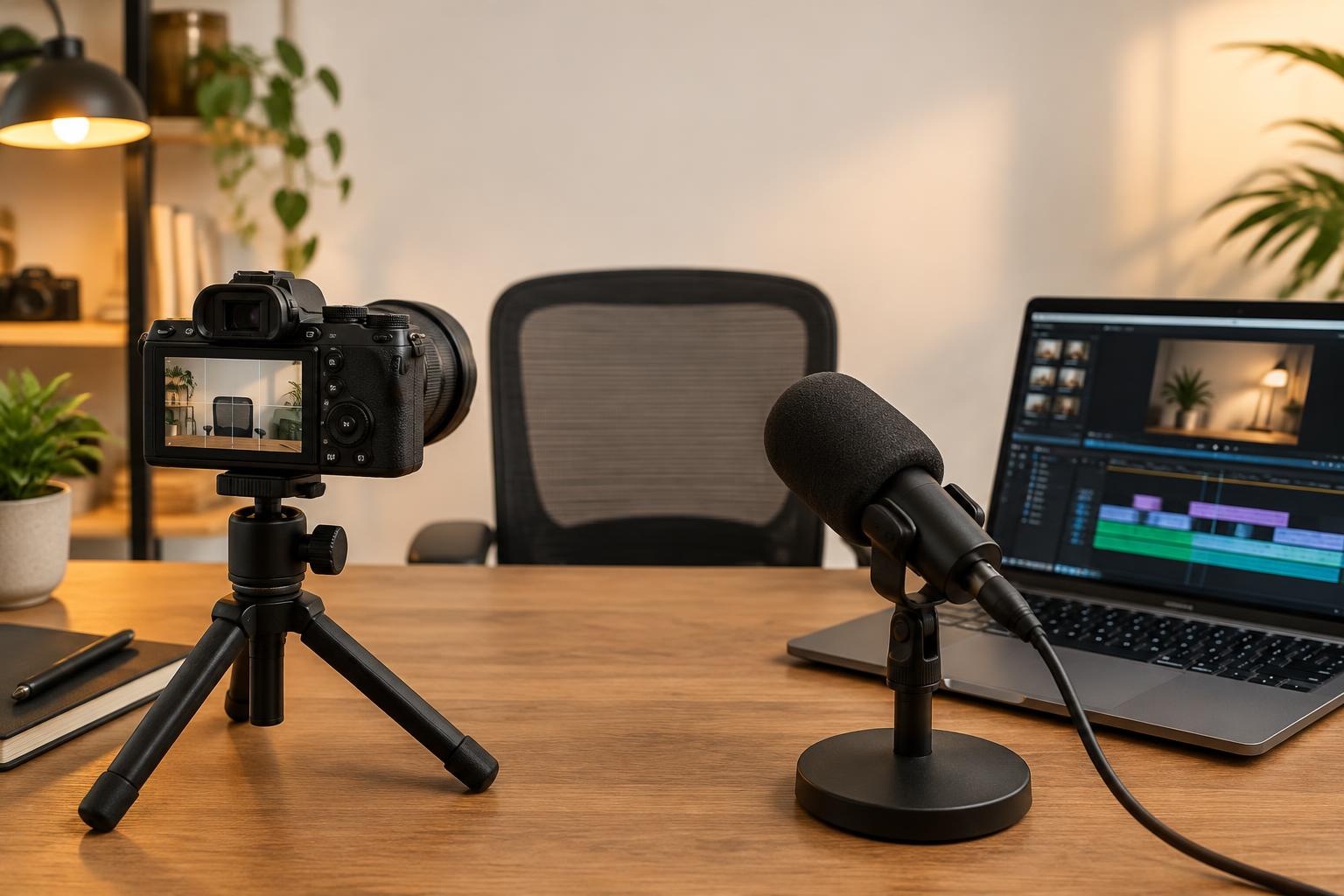
YouTube SEO is not a box of tags you fill in after filming. It starts with a question your audience wants answered, a video that delivers the answer and packaging that makes the value clear before somebody clicks.
YouTube says its search system considers relevance, engagement and quality. Titles, descriptions and video content help it understand the query match, while engagement can include watch time for a particular query. Search results may also reflect a viewer's history. There is no single title formula that gives everyone the same ranking.
Choose one viewer and one useful question
A business owner trying to understand an SEO report needs a different video from an experienced marketer checking attribution settings. Decide who is watching, what they already know and what they should be able to do afterwards.
Gather questions from public discussions, enquiries you are authorised to use and your own channel's search information where available. Do not expose customer messages or private analytics in an article or recording. Keyword tools can suggest demand, but watch existing search results to understand whether viewers expect a demonstration, an interview or a short explanation.
Separate YouTube search from recommendations
A tutorial found through a specific search serves a different discovery journey from a clip offered on the homepage. YouTube's recommendation guidance discusses appeal, engagement and satisfaction. A clear title and thumbnail help someone choose, but the actual video must fulfil the expectation.
Do not judge every upload by one traffic-source total. Inspect how people found it. A guest conversation may suit recommendations and returning viewers; a focused how-to video may suit search. Neither format is automatically the better business choice.
Write a title that matches the answer
An illustrative business video could use ‘SEO reports explained: clicks, enquiries and the numbers to question’. It makes a specific promise. ‘The SEO secret agencies don't want you to know’ may attract curiosity, but it misleads if the recording is simply an ordinary reporting explanation. This example is a proposed title, not a real upload or a claim about channel performance.
Put the main subject where a viewer can understand it quickly. Use the language your audience recognises, rather than forcing a long chain of keyword variations into the title. Keep guest names when they matter, but give an unfamiliar viewer a reason to care about the conversation.
Make the thumbnail and opening work together
A thumbnail should communicate the video honestly and remain understandable at a small size. Use a genuine frame, person or object from the subject when possible, with permission for any assets. Avoid making a visual claim the video cannot support.
Then deliver promptly. A tutorial can begin by showing the problem and the intended result, rather than several minutes of channel introduction. An interview can establish the topic and guest's relevant experience. Look at retention to identify sections worth investigating, but remember that a dip is a clue, not proof of why somebody left.
Use descriptions, chapters and captions for clarity
Write a useful description summarising the subject and linking to relevant resources. For a reporting video, that might include the SEO reporting guide and one appropriate enquiry destination. Explain what a visitor will find rather than pasting a list of every service.
Use accurate chapters where the video supports distinct sections. Check captions, especially names, technical terms and numbers. Automated captions can make mistakes. These additions help viewers use the recording; they do not guarantee a search position.
YouTube's recommendation guidance says tags are not essential for discovery and are mainly useful for common spelling mistakes. Spend more attention on the subject, title, thumbnail and viewing experience than on a huge tag list.
A before-you-publish YouTube SEO checklist
- Confirm the intended audience and question.
- Check the recording answers what the title promises.
- Review the thumbnail at a small size and verify image rights.
- Write a description with the useful resources and correct links.
- Check captions and any chapters you add.
- Test the website destination and enquiry journey.
- Record the upload's purpose so later reviews have a meaningful benchmark.
Keep different audiences clear
Craig's business and SEO channel is separate from the Craig Cam Cards football podcast. A visitor looking for help with search marketing should not have to guess which destination contains that material.
The same principle applies to your website. Label topic collections clearly, link visitors to the relevant channel or video and avoid suggesting that an unrelated entertainment audience is automatically a pool of prospective customers.
Measure discovery, viewing and the next step separately
Review relevant YouTube search terms and traffic sources where available. Look at impressions and click-through rate in their reported context, then examine viewing and audience-retention information. These measures describe different stages. A higher click-through rate with weaker viewing may warrant checking whether the packaging sets the wrong expectation.
For a business goal, verify suitable enquiries or orders separately. A website link can use campaign parameters to help identify visits, but consent choices, cross-device journeys and people who return later leave gaps. Do not call all video views leads or assume that every attributed order was caused by one upload.
Compare videos with similar purposes and formats. A short clip and an hour-long interview should not be judged as if they were identical products. For broader measurement distinctions, use the GA4 key events and conversions guide.
Give the video a useful home on your website
A relevant article can introduce a video, explain its scope and offer supporting reading. An embed alone is not a substitute for a useful page. Google's video-search requirements are a separate subject from ranking within YouTube; putting a player on a page does not guarantee video visibility in Google.
Visit the SEO video answers library to see the site's business and SEO questions linked to matching recordings. If you need help connecting content with your commercial offer, send Craig your website, channel and intended audience to discuss digital marketing advice.